
Yes — foreigners, including US visitors, can use WeChat Pay in China in 2026 by linking a foreign Visa or Mastercard in the international WeChat app and passing a passport real-name check, which WeChat’s Help Center says typically takes 1–3 business days. Payments stay locked until that review is approved, so start before you fly.
Open the international WeChat account first, link the card, finish the real-name passport check, then run a ¥1 shop-QR test. Alipay is faster to activate. Our consultants buy breakfast, a metro ride, and late-night water on the green QR. The calendar is the part visitors miss.
TL;DR: Account first, then Visa or Mastercard, then passport real-name, then wait, then a ¥1 live scan. Do it at home, on your own Wi-Fi, with the passport on the table. If you are lining up a 240-hour visa-free entry, treat WeChat Pay like the onward ticket: finish it before you fly. The first-time visitor checklist covers the rest.
Quick facts
| Item | Value | Source |
|---|---|---|
| Who can pay | Overseas visitors with a live WeChat account and a linked Visa or Mastercard | WeChat Pay English; LocalKey field setup |
| Cards that attach | Visa and Mastercard first. Tencent also lists American Express, JCB, Discover and Diners Club, but Amex results vary by issuing bank | WeChat Pay English; Tencent, July 2023; LocalKey card tests |
| Real-name lock | Passport photo + face scan. Wallet cannot pay until approved | WeChat Help Center, Real-Name Authentication for Overseas Users |
| Review time | Typically 1–3 business days. Weekends do not hurry it | Same WeChat Help Center page |
| Foreign-card fee | Waived on single transactions under ¥200; 3% on single transactions above ¥200. The payment page shows the fee before you confirm | WeChat Help Center |
| First proof it works | A ¥1 shop-QR scan or a ¥1 transfer to a WeChat contact after approval | LocalKey pre-trip checklist |
| Backup wallet | Alipay, set up first if you only have time for one app tonight | Alipay for Foreigners 2026 |
| Official visitor payment note | State Council English page on using mobile wallets as a visitor; Shanghai covers Alipay/WeChat in its travel FAQ | english.www.gov.cn; Shanghai travel FAQ |
Can foreigners use WeChat Pay in China with a Visa or Mastercard?
Yes. Foreigners can pay with WeChat Pay in China using an overseas Visa or Mastercard, including US-issued cards, once the card is linked and the passport real-name check is approved. A US-issued Visa or Mastercard is an overseas card. WeChat Pay’s English page states overseas Visa and Mastercard support. That is the path we use with US clients: international WeChat, card number and billing name exactly as printed, then the passport real-name check.
Tencent lists American Express among Weixin Pay's card partners, but whether your Amex attaches depends on the issuing bank. Do not make Amex your only card, even if it is the one you prefer at home. A second Visa or Mastercard from a different US bank is the useful backup.
Linking the card is not the finish line. Until real-name authentication is approved, the wallet will not pay — in Suzhou, in Shanghai, or at PVG. We have watched people scan a green QR with a “card added” screen and still get declined because the review was still sitting on “submitted.”
Set up WeChat Pay before you fly
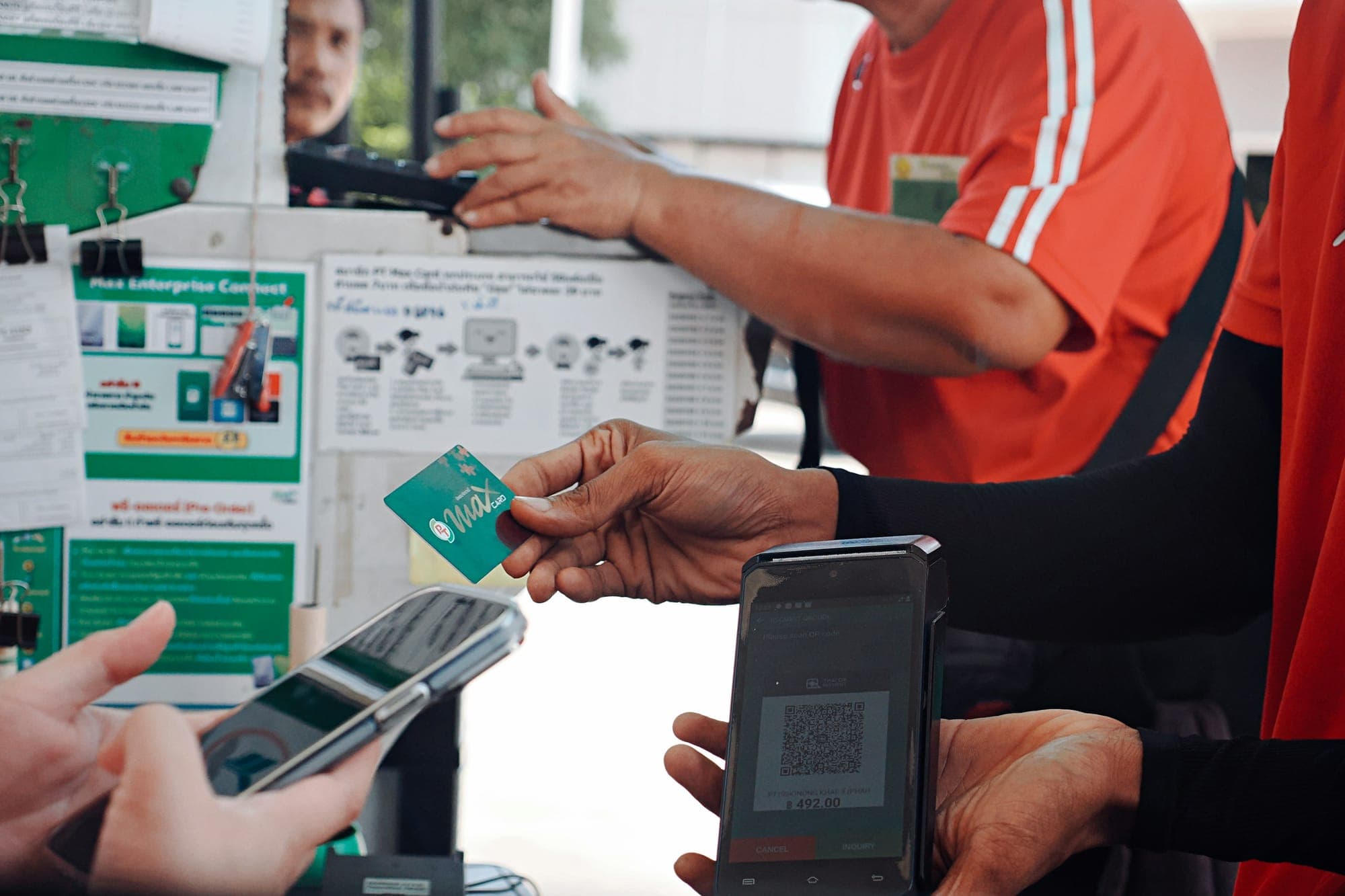
China is QR-first. Hotels and a few large shops still take a plastic card. The noodle stall, the convenience store, the taxi, and a lot of small counters expect a scan. Some of those counters only put out the green WeChat QR. Alipay will not help you there.
WeChat is also the message layer. Hotels, drivers, and restaurants often want a WeChat chat, not email. Payment sits inside the same app. That is why you set up the account first, then the wallet — not the other way around.
Do it before you leave because three things fail more often after you land: the wrong (mainland) app build, a home-phone SMS that never arrives, and a passport photo that gets rejected while you are already in a queue. None of those are fun on airport Wi-Fi.
Our consultants set this up on their own phones the same way we tell friends to: account, card, passport, wait, then a tiny live payment. Skip a step and the wallet looks ready when it is not.
Download the international WeChat and create the account
Download the international WeChat from your home-country App Store or Google Play. Do not use a mainland store. The domestic build does not give overseas visitors a clean foreign-card path, and it can flip the interface into Chinese mid-setup.
Register with the phone number you can actually receive SMS on. Home numbers work in principle. In practice, some US and other carriers drop short codes from Chinese servers. If the code never arrives, use the email fallback and keep going. You need a live WeChat account before the wallet appears. WeChat Pay is not a separate download. It lives inside Me → Pay once the account exists.
If WeChat suddenly switches to Chinese, you likely installed the mainland version. Uninstall it and download the international release again from your home store. Check the store region before you tap install.
Keep the same phone number or email you used to register. If you swap SIMs later, you still need a way back into the account.
A home phone number works; a Chinese SIM is optional
You do not need a Chinese number to open WeChat or to finish WeChat Pay. Register with the home number that can receive SMS — a US number is fine if the code actually arrives. If it does not, use the email fallback for the account, then come back to the wallet.
A Chinese tourist SIM can make hotel and driver callbacks easier later. It is not required to unlock the wallet. Do not wait to buy a SIM at the airport before you start real-name review. That review is the 1–3 business day clock, and it does not start until you submit the passport.
If you change SIMs after you land, keep a way to recover the original WeChat login. The wallet is tied to the account, not to whichever eSIM is in the tray that morning.
How do I link a Visa or Mastercard to WeChat Pay?
In the international WeChat app, open Me → Pay → Wallet → Add Bank Card, choose Visa or Mastercard, and enter the number, expiry, CVV and billing name exactly as printed on the card, middle initials and punctuation included. WeChat Pay’s English page confirms overseas Visa and Mastercard support; the name match is what trips people up (WeChat Pay).
Tell your bank you will add the card to a Chinese wallet. A US fraud block on the first charge looks like a broken app.
Linking the card is not the finish line. Until real-name authentication is approved, the wallet will not pay.
How long does WeChat Pay real-name authentication take?
WeChat’s Help Center says real-name authentication for overseas users typically takes 1–3 business days, and WeChat Pay cannot make any payment until it is approved. That is the whole point of starting early.
Go to Me → Pay → Wallet → Real-Name Authentication. Photograph the passport with all four corners in frame, no glare on the laminate, and no plastic sleeve. Then do the face scan. No payment functions can be used until the review is approved (WeChat Help Center, Real-Name Authentication for Overseas Users).
Weekends do not hurry the clock. If you fly on a Friday, submit the passport earlier in the week. We treat the wait as part of packing, the same way we treat a train ticket: done, or not done. “Submitted” is not “ready.”
Passport photo rules that actually matter:
- All four corners visible. Cropped edges get rejected.
- No glare. Daylight on a dark, flat surface beats a bathroom flash.
- No plastic sleeve. The sensor can read the sleeve as tampering.
- No fingers on the machine-readable zone at the bottom.
- Name and passport number typed as printed, not as you usually write them.
After approval, set a 6-digit payment PIN. Turn on Quick Pay for small amounts so you are not typing the PIN at every snack stall. Then leave the wallet alone until you run the ¥1 test.
What fees will I pay with a foreign card on WeChat Pay?
With a foreign card, WeChat Pay charges no fee on single transactions under ¥200 and 3% on single transactions above ¥200, and the payment page shows any fee before you confirm. The WeChat Help Center states this rule. Refunds return the fee in proportion. Campaigns can change this: in May 2026 Tencent announced a 90-day fee waiver for first-time card users, up to RMB 1,000 a day. The payment page shows the fee before you confirm, so read it there.
The fee is not the usual failure. The usual failure is a bank that blocks the charge, a name that does not match the card, or a wallet still waiting on real-name review. Fix those first.
For the two-app picture, see How first-time visitors should set up Alipay and WeChat Pay.
Prefer Weixin Pay merchant reach without a full Weixin account? See TenPayGo for foreigners.
Do I still need Alipay if WeChat Pay already works?
Yes, keep both: Alipay is usually faster for foreigners to activate, and WeChat Pay covers small shops that only show the green WeChat QR. We keep both.
| WeChat Pay | Alipay | |
|---|---|---|
| Cards that work | Visa and Mastercard first; Amex depends on the issuing bank. | Visa, Mastercard, JCB, Diners Club, Discover; Amex is not on the official list. Full card path is on the Alipay page. |
| Review before you can pay | Real-name passport check, 1–3 business days. Wallet stays locked until approved. | Usually faster to activate. |
| Foreign-card fee | Free under ¥200 per payment; 3% above ¥200 | Shown on the payment screen before you confirm |
| Where it wins | Small shops that only show the green WeChat QR; chat with hotels and drivers in the same app. | Cleaner first setup for most visitors. |
Alipay setup — download, card link, passport check — lives on Alipay for Foreigners 2026. The State Council English visitor-payment note and the Shanghai travel FAQ are the official pages we already cite on Alipay; they cover mobile wallets, not a WeChat fee table. This page stays on WeChat Pay. If you only have time for one wallet tonight, start Alipay, then come back here for the green QR.
Test WeChat Pay with a ¥1 shop-QR payment
After the real-name check is approved, run a ¥1 shop-QR test. Scan a merchant code, or send ¥1 to a WeChat contact, and confirm the charge posts. That is the only test that proves the card, the bank, and the PIN all work.
If you cannot find a shop QR at home, still open Wallet and confirm the card is visible and the real-name status is approved. Then do the ¥1 scan as soon as you can — a convenience store after landing is fine, as long as you are not discovering a declined card at dinner.
At a counter the shop shows a static green QR, or they scan yours. Confirm the amount, then the PIN or Quick Pay. If the cashier looks confused, show the payment screen and let them point. That is normal.
Save an offline screenshot of the approved wallet. Metro basements drop signal; the screenshot will not pay, but it tells you the review already cleared.
Common WeChat Pay setup problems
The same four problems, every time our consultants walk someone through this from Suzhou:
- Wrong app. Mainland store build. Reinstall from the home-country App Store or Google Play.
- SMS never arrives. Use the email fallback for the WeChat account, then come back to the wallet.
- Passport photo rejected. Four corners, no glare, no sleeve, no fingers on the machine-readable zone. Resubmit in daylight.
- Billing name mismatch. Type the name exactly as the card shows it, including middle initials.
If a payment fails at a counter, try the other card in the wallet, then Alipay, then cash. Do not stand there refreshing the same declined Visa. And do not wait until China to learn whether your Amex will attach. Check the card list at home.
If the real-name status is still “under review,” stop trying to pay. The wallet is doing what it said it would do. Wait out the 1–3 business days, then run the ¥1 test.
Ready to travel, not just pay
WeChat Pay gets you through the green QR. The trip still needs a route that fits your dates, a 240-hour or visa plan if you are transiting, and someone on WhatsApp or WeChat if a booking slips. Pack the rest with the first-time visitor checklist.
Yes. WeChat Pay for foreigners in 2026 works with a foreign Visa or Mastercard — including for US visitors. Open the international WeChat account first, link the card, finish the real-name passport check, then run a ¥1 shop-QR test. Payments stay locked until that review is approved. WeChat’s Help Center puts the wait at 1–3 business days. Alipay is faster to activate. Our consultants buy breakfast, a metro ride, and late-night water on the green QR. The calendar is the part visitors miss.
LocalKey does not sell a payment app. When the trip needs booking, we plan Private China Tours as Independent (rail-led) or Private Guided (more private car and guide) — 1:1 with a specialist, 7×24 on WeChat or WhatsApp. Not a group tour.